
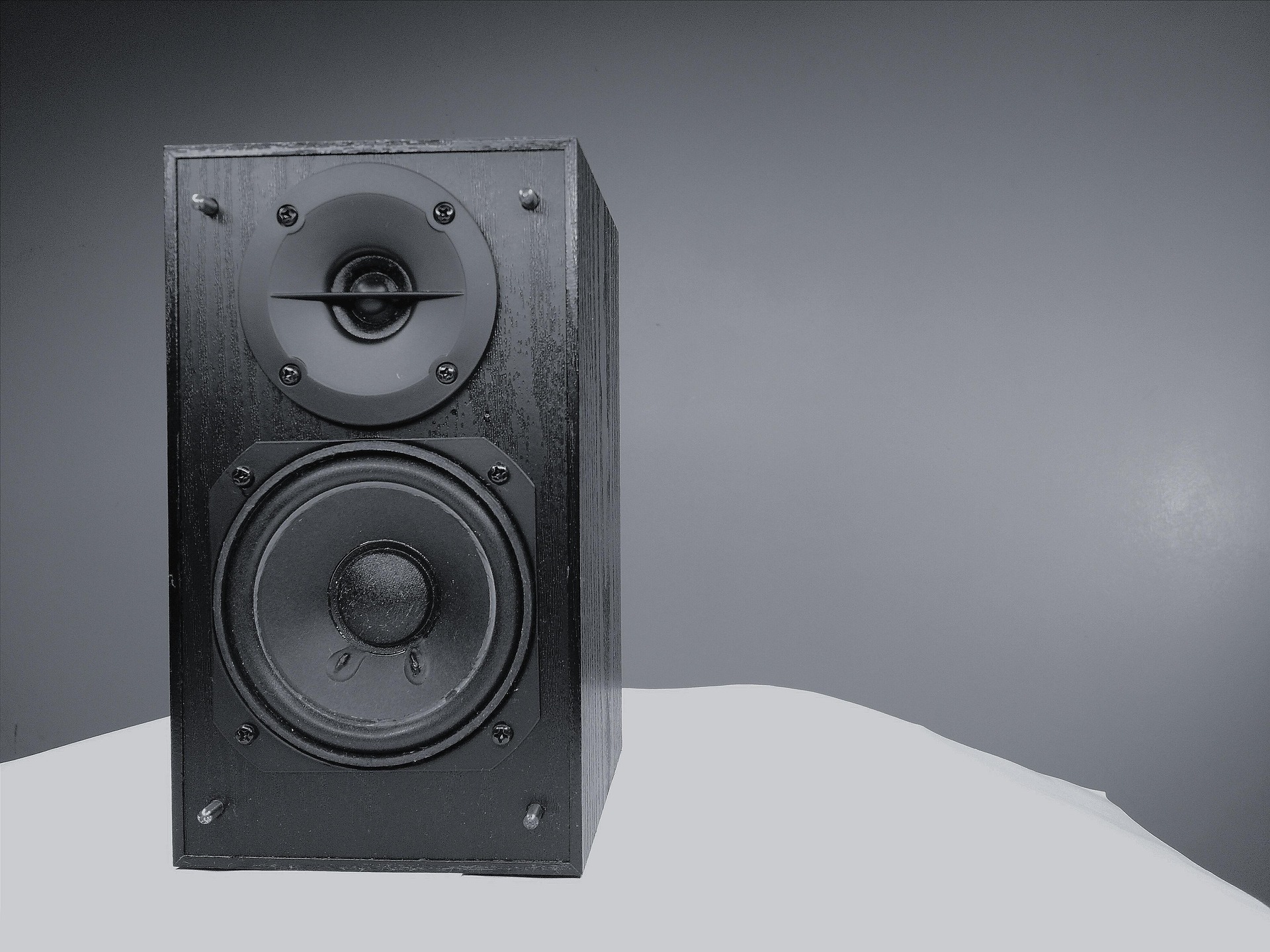
Is your woofer making a constant humming, buzzing, or low-pitched noise even when no music is playing?
A humming or buzzing woofer does not automatically mean that the speaker is damaged. The noise can come from the audio cable, power connection, another device connected to your sound system, electrical interference, grounding problems, or the woofer's own electronics.
The easiest way to solve the problem is not to start replacing everything. Instead, find where the noise is coming from.
This guide will walk you through that process step by step, starting with a simple test that can tell you whether the problem is coming from the woofer itself or from something connected to it.
Important!: The first thing to test is whether the hum continues after you disconnect the woofer's audio input. That single test can help you decide whether to investigate the audio connection or the woofer's power and internal electronics.
(I) Before You touch anything: Listen, What Kind of Noise Are You Hearing?
Before changing anything, listen carefully to the sound.
Not every strange sound from a woofer has the same cause.
(II) Is it a steady, low-pitched hum?
A constant low hum that continues even when no music is playing can point toward a power, grounding, or electrical-noise problem.
(III) Is it a buzzing sound?
A higher-pitched buzz may be related to electrical interference, cables, connected equipment, or other parts of the audio system.
(IV) is it a rattling sound during bass?
If the noise only happens when bass-heavy music is playing, you may not have an electrical problem at all.
A loose speaker grille, object touching the cabinet, furniture, or another vibrating object can produce a rattling sound that is easily mistaken for a faulty woofer.
So before trying to fix anything, identify when the noise happens this will help you understand the root cause.
Follow the Following steps to try and Fix the Issues.
Step 1: Turn the Volume Down and Stop the Music
Let's start with the simplest test.
Turn your woofer and sound system on.
Stop any music, video, or other audio.
Turn the volume down.
Listen carefully to the woofer.
Does the hum remain?
If Yes?
That's an important clue.
If the noise continues even though no audio is playing, then the hum sound may not be coming from the music itself.
If No?
If the noise disappears when playback stops or changes significantly with the volume, investigate the audio signal, source device, amplifier settings, or cable connection.
Don't change anything else yet.
The next test is more useful.
Step 2: Disconnect the RCA or LFE Audio Cable
This is one of the most useful tests you can perform.
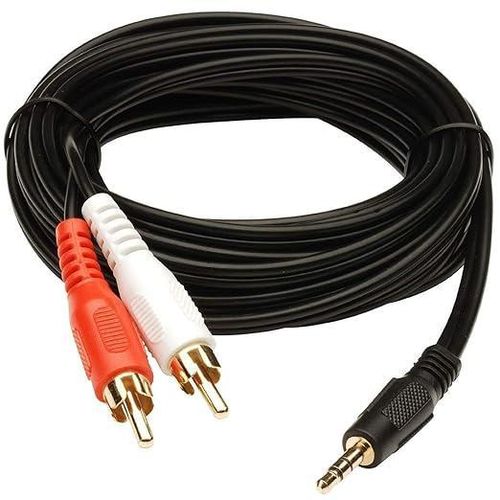
Your woofer may use an RCA, LFE, or another line-level audio connection.
With the woofer powered on:
Turn the system volume down.
Disconnect the audio cable going into the woofer.
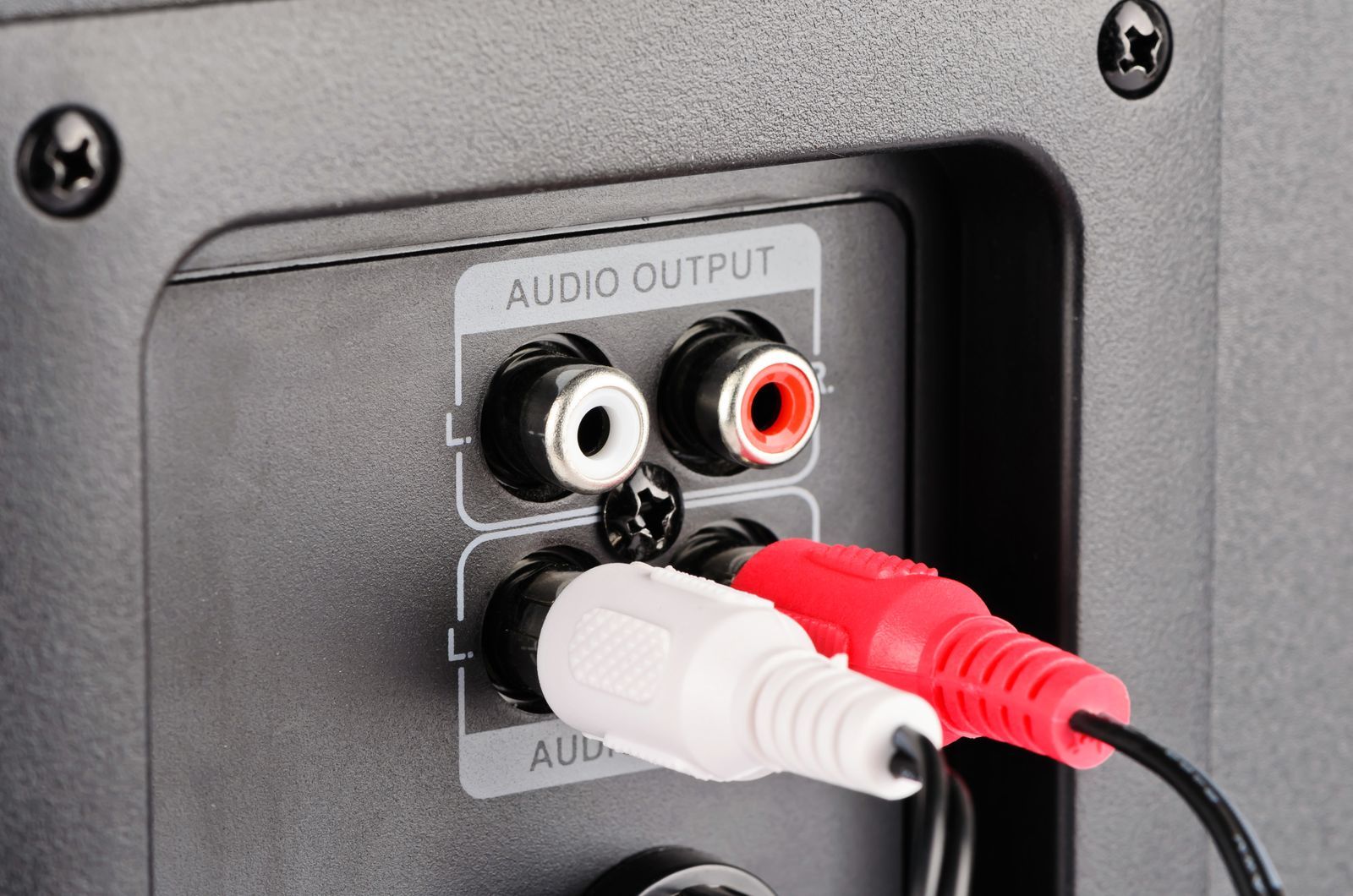
Leave the woofer powered on.
Wait a few seconds.
Listen carefully.
You are trying to answer one question:
Does the woofer still hum when it has no audio signal connected to it?
Recommended product
10 FT RCA to RCA Audio Cable.
Consider buying this RCA cable to reduce the humming sound

Affiliate link
Check prices AmazonIf the hum disappears
That's good information.
The woofer can become quiet when the audio connection is removed.
That means you should investigate the:
Audio cable
Audio source
Receiver or amplifier
Connected devices
Grounding between equipment
Electrical interference
Step 3: Check if the issue is RCA or LFE Cable itself
If the hum disappeared when you disconnected the audio cable, check the cable next.
Start by reconnecting it firmly.
Make sure both ends are properly seated.
Then Inspect the cable for:
Visible damage
Loose connectors
Bent plugs
Poor-fitting connections
Damaged insulation
Excessive wear
If you have another compatible cable available, test it.
What happened when you tried another cable?
The hum disappeared?
The original cable or its connection was probably contributing to the buzzing problem.
The hum remained?
The cable is less likely to be the main cause.
You should Continue troubleshooting.
NB: Don't assume you need an expensive "premium" cable. The purpose of this test is to determine whether the cable is causing the problem, not to find the most expensive cable available.
Step 4: Test the Woofer With Only Power Connected
If the woofer continued humming after you disconnected the audio cable, simplify the setup.
For this test, the woofer should have:
Power connected
and
No audio input connected.
Now listen.
If the woofer is quiet
That's a useful clue.
The woofer itself may not be generating the noise.
Reconnect the audio equipment one connection at a time and listen after each change.
This can help identify the connection that brings the hum back.
If the woofer still hums
Now the issue might be:
The power source
Electrical interference
The woofer's amplifier
The internal power supply
Internal electronics
Continue to the next test
Step 5: Try Another Suitable Power Outlet
Now test the power source.
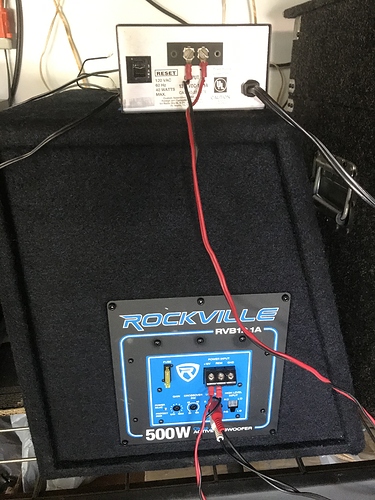
If possible, temporarily connect the woofer to another suitable wall outlet.
Do this:
Turn the woofer off.
Move it to another suitable outlet.
Turn it back on.
Leave the audio input disconnected initially.
Listen.
What happens?
The hum disappears or changes significantly?
The original power arrangement may have been contributing to the problem.
The hum remains unchanged?
The outlet is less likely to be the simple cause.
You should Continue troubleshooting.
Safety note: Never remove or defeat a protective earth/ground connection simply because it makes the hum disappear. A quieter woofer isn't worth creating an electrical safety hazard.
Step 6: Disconnect Other Devices One at a Time
Now we're going to identify whether another device is introducing the noise.
This is where patience matters.
Don't disconnect everything at once.
Instead:
Turn the volume down.
Disconnect one additional device.
Turn the system back up.
Listen.
Reconnect the device.
Move to the next device.
Potential suspects include:
TV
Computer
Game console
Streaming device
Cable or satellite equipment
Antenna connections
Other amplifiers
Chargers
External power supplies
Why disconnect one device at a time?
Because if you disconnect five devices and the hum disappears, you won't know which one caused it.
One change at a time gives you useful information.
That's the key principle behind troubleshooting.
Step 7: Check Whether It's Actually a Mechanical Rattle
Here's an important distinction:
Not every buzzing sound is electrical.
Play some bass-heavy audio at a moderate volume.
Listen carefully.
Does the noise happen only when particular bass notes play?
If so, investigate physical vibration.
Check for:
A loose speaker grille
Loose screws
Objects sitting on the woofer
Furniture touching the cabinet
Objects vibrating against a wall
Loose items nearby
Cabinet or port rattling
Move nearby objects away from the woofer and test again.
Here's the difference
Constant hum with no music:
Investigate electrical, power, grounding, or signal issues.
Rattle that follows particular bass notes:
Investigate physical vibration or the woofer cabinet.
These are two different problems.
Step 8: Put Your Results Together
By now, you should have several clues.
Use them together instead of guessing.
For example.
Hum disappears when RCA/LFE is removed?
Then the Audio signal path, cable, source or grounding
Hum changes when cable is moved?
Then there might be a Possible electrical interference
Remember:
You're not trying to guess the answer.
You're eliminating possibilities.
Every test should answer a question.
When do you conclude that the Woofer is Actually Faulty?
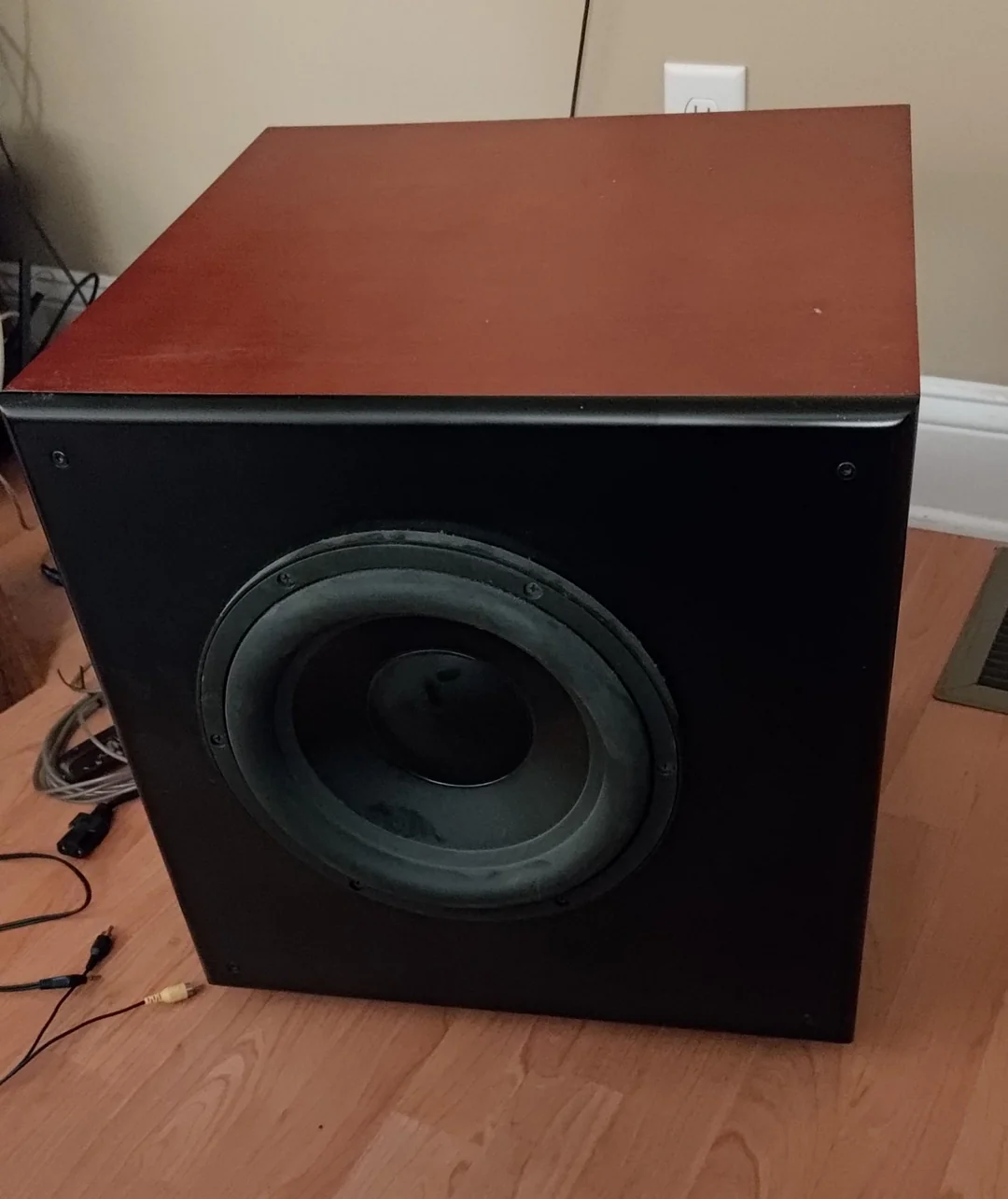
At this point, you may be wondering:
How do I know if the woofer itself is broken?
The woofer becomes more suspicious when the noise continues after you've isolated it from the rest of the audio system.
For example:
Woofer powered
↓
No RCA/LFE cable connected
↓
No other audio equipment connected
↓
Hum still present
If the noise remains under those conditions, the woofer's amplifier, power supply, or internal electronics may need professional inspection.
Also stop troubleshooting if you notice:
Burning smells (Might be some components burning)
Smoke
Excessive heat coming from the woofer
Visible electrical damage
Severe distortion
Repeated shutdowns
Loud abnormal noises
A damaged power cable or plug
Most importantly: Don't open a powered woofer or amplifier simply because an internet guide tells you to inspect the internal components.
The Fastest Woofer Troubleshooting Path
If you don't want to go through the entire guide again, follow this short diagnostic path.
Test 1 — Stop the audio
Turn the volume down and stop the music.
Does the hum remain?
↓
Test 2 — Disconnect the RCA/LFE cable
Does the hum disappear?
YES → Investigate the cable, source, grounding and connected equipment.
NO → Investigate power, interference or the woofer itself.
↓
Test 3 — Try another compatible cable
Does the noise disappear?
YES → The original cable or connection is likely involved.
NO → Continue.
↓
Test 4 — Try another suitable power outlet
Does the noise change?
↓
Test 5 — Disconnect other devices individually
Does removing one device stop the noise?
↓
Test 6 — Try another compatible audio source
Does the problem follow the original source?
↓
Final test
If the woofer still hums with no audio input connected, professional inspection may be appropriate.
Frequently Asked Questions
Why is my woofer humming when nothing is playing?
A woofer can hum even when no music is playing because of power, grounding, electrical interference, audio connections, connected equipment, or a problem with the amplifier or internal electronics.
The best first test is to disconnect the audio input and see whether the hum remains.
Can a bad RCA cable cause a woofer to buzz?
Yes. A damaged, poorly connected, or problematic audio cable can introduce unwanted noise into an audio system.
Testing with another compatible cable is a simple way to investigate.
Why does my woofer buzz when connected to my TV?
The TV may introduce unwanted noise through the audio connection or electrical grounding.
Disconnecting the audio connection and testing the system can help determine whether the TV or its connection is involved.
Does a humming woofer mean it is broken?
Not necessarily.
The cause may be a cable, power connection, grounding issue, electrical interference, or another connected device.
That's why it's better to isolate the problem before replacing the woofer.
Why does my woofer hum but still play music normally?
A woofer can continue producing normal audio while also reproducing unwanted electrical noise.
The fact that music still plays does not necessarily mean everything in the signal or power path is functioning perfectly.
Should I replace my woofer if it is buzzing?
Don't replace it immediately.
First test the audio cable, power connection, connected devices, and audio input.
If the woofer continues humming with no audio input and other external causes have been ruled out, professional inspection may be appropriate.
Is every buzzing woofer suffering from a ground loop?
No.
Ground loops are one possible cause, but cables, power sources, electrical interference, connected equipment, amplifier problems, and mechanical vibration can produce similar symptoms.
Editorial Notice
This guide is intended for troubleshooting external connections, settings, and basic system isolation. Do not open mains-powered audio equipment or modify protective grounding unless you are qualified to do so.