
Laptops
Laptop Screen Flickering When Plugged In? 7 Ways to Fix It
Learn how to check your power adapter, display settings, Windows drivers, and possible hardware problems That could Be making your screen flicker
Read Guide→
Tecniview Guides
Straightforward technology guides that explain what actually matters before you spend your money.
Learn
Laptops
Learn how to check your power adapter, display settings, Windows drivers, and possible hardware problems That could Be making your screen flicker
Read Guide→
Laptops
Try these fixes for keyboard layout problems, Num Lock, stuck keys, and keyboard driver issues.
Read Guide→
Audio
Learn how to fix wireless earbuds with no sound on one side, charging problems, Bluetooth pairing issues, and low volume without replacing them.
Read Guide→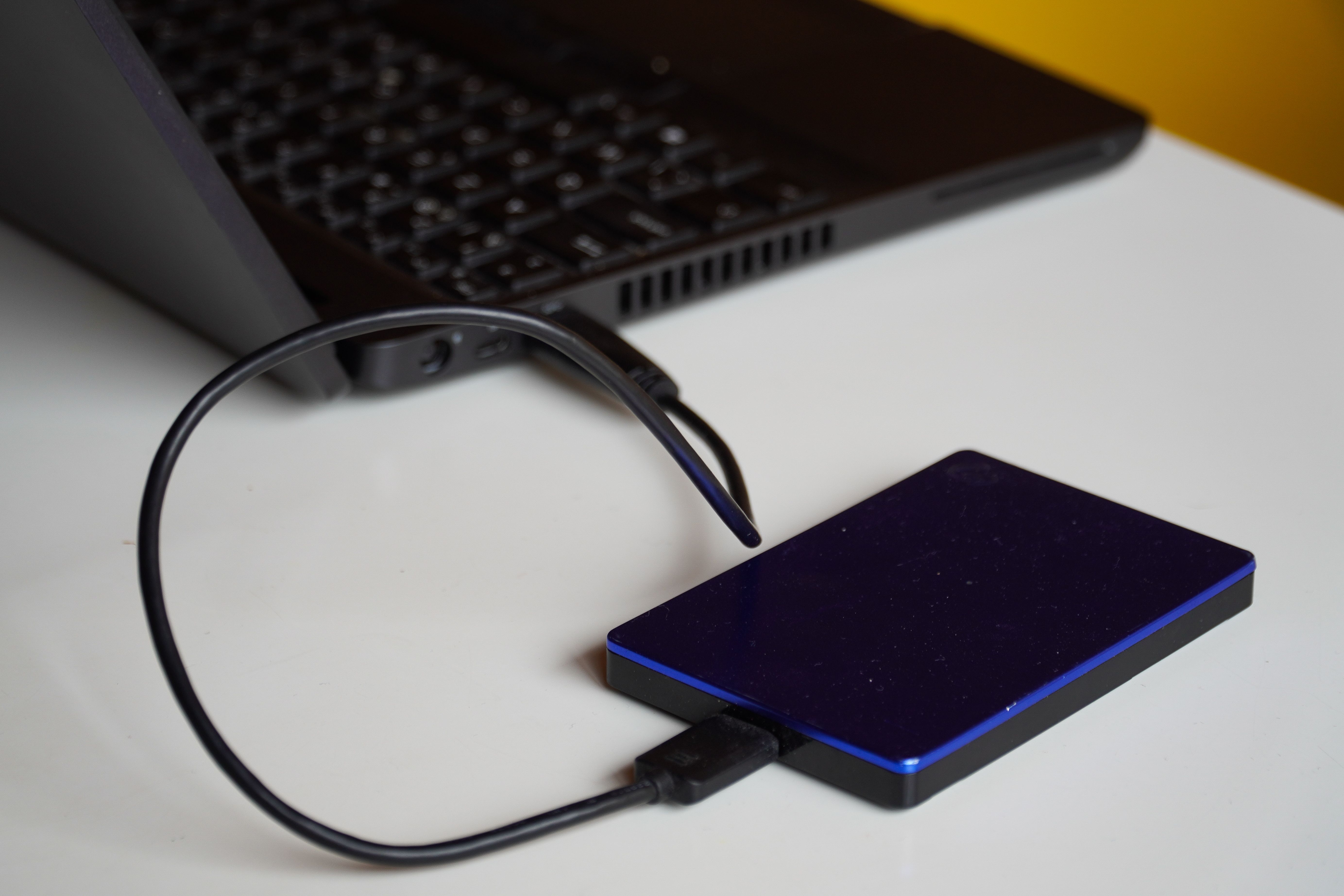
Laptops
Is your external hard drive not showing up in Windows 11? Learn how to check cables, fix missing drive letters, troubleshoot USB detection problems and protect your files before attempting repairs.
Read Guide→
Wearables
Looking for the best over-ear headphones under $100? Compare wireless headphones with noise cancellation, long battery life and wired alternatives for music, work and travel.
Read Guide→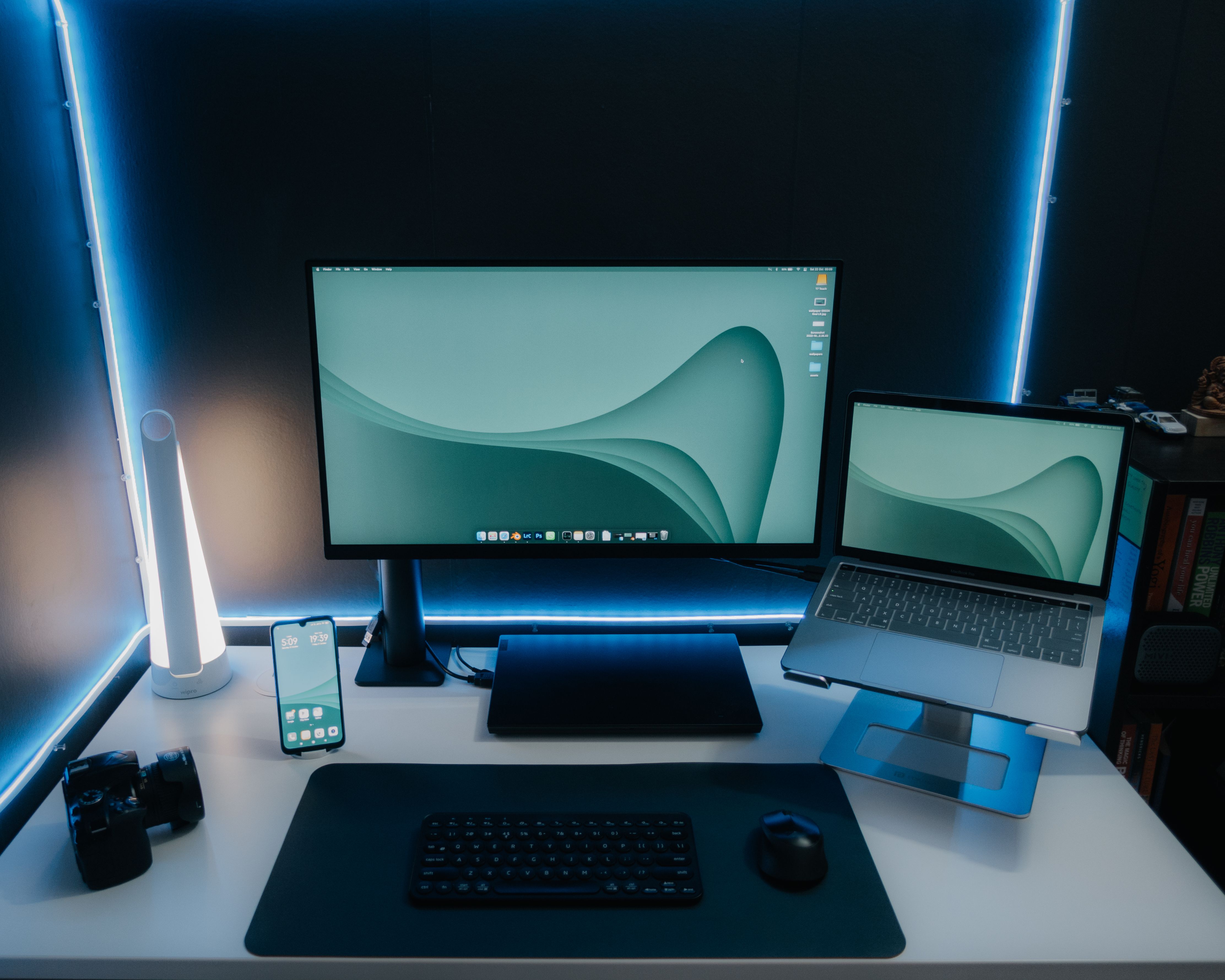
Laptops
Looking for the best portable monitor for your laptop? Compare budget, QHD and 4K options for work, travel and gaming, and learn how to check USB-C compatibility before buying
Read Guide→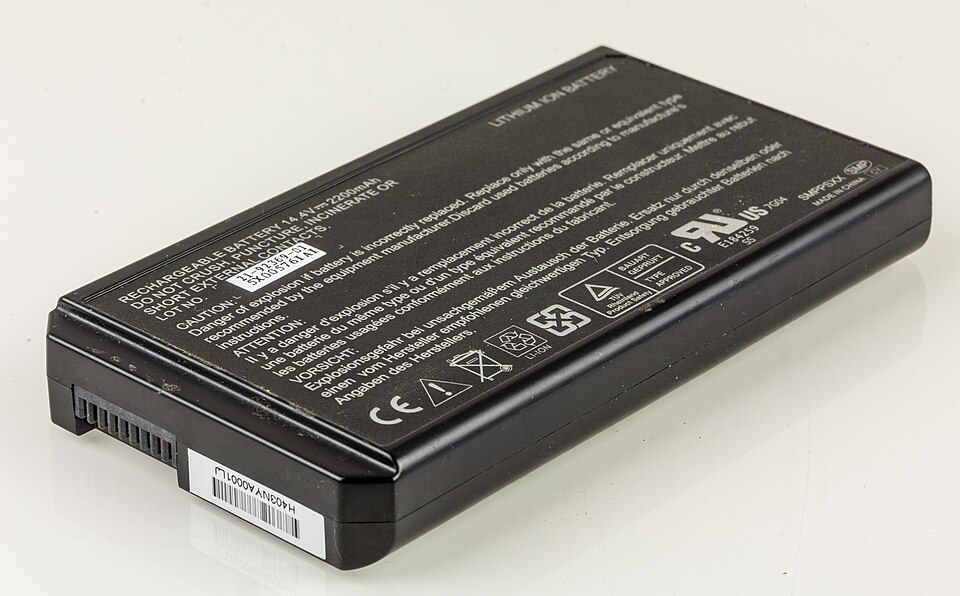
Laptops
Learn how to check laptop battery health in Windows, understand battery-report results, identify signs of battery failure, and decide when a replacement is worth it.
Read Guide→Smartphones
Learn how to fix a dead spot on phone screen, troubleshoot mobile touch not working but phone is on, and identify when a damaged touchscreen needs professional repair.
Read Guide→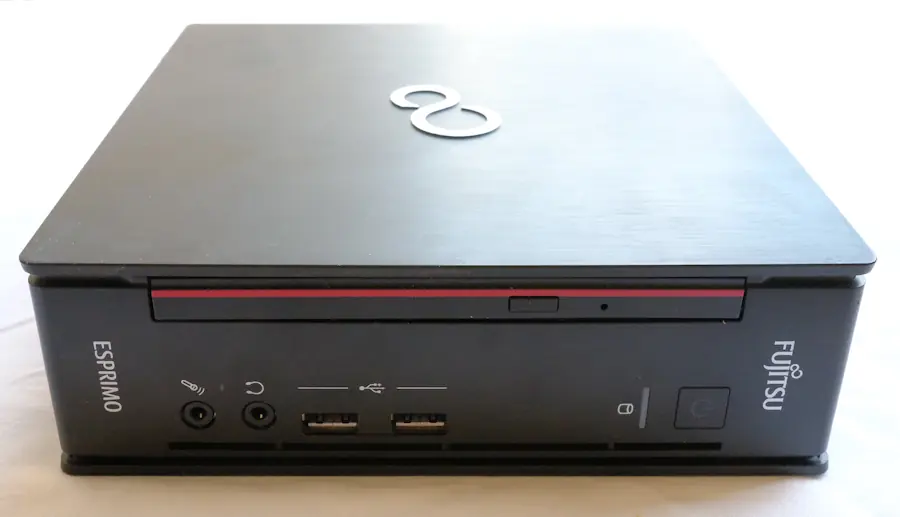
Laptops
Gaming PC shuts off during games? Diagnose PSU failure, overheating, GPU power problems and Windows Event ID 41 before replacing expensive hardware.
Read Guide→Laptops
Wondering if a 1TB external SSD is enough? Learn how much storage you need for backups, gaming, photos and video editing, plus what to check before upgrading to a faster 2TB portable SSD.
Read Guide→Laptops
Is your external monitor not detected, showing a black screen, or displaying “No Signal”? Learn how to troubleshoot HDMI, DisplayPort, USB-C, and dual-monitor problems without buying unnecessary hardware.
Read Guide→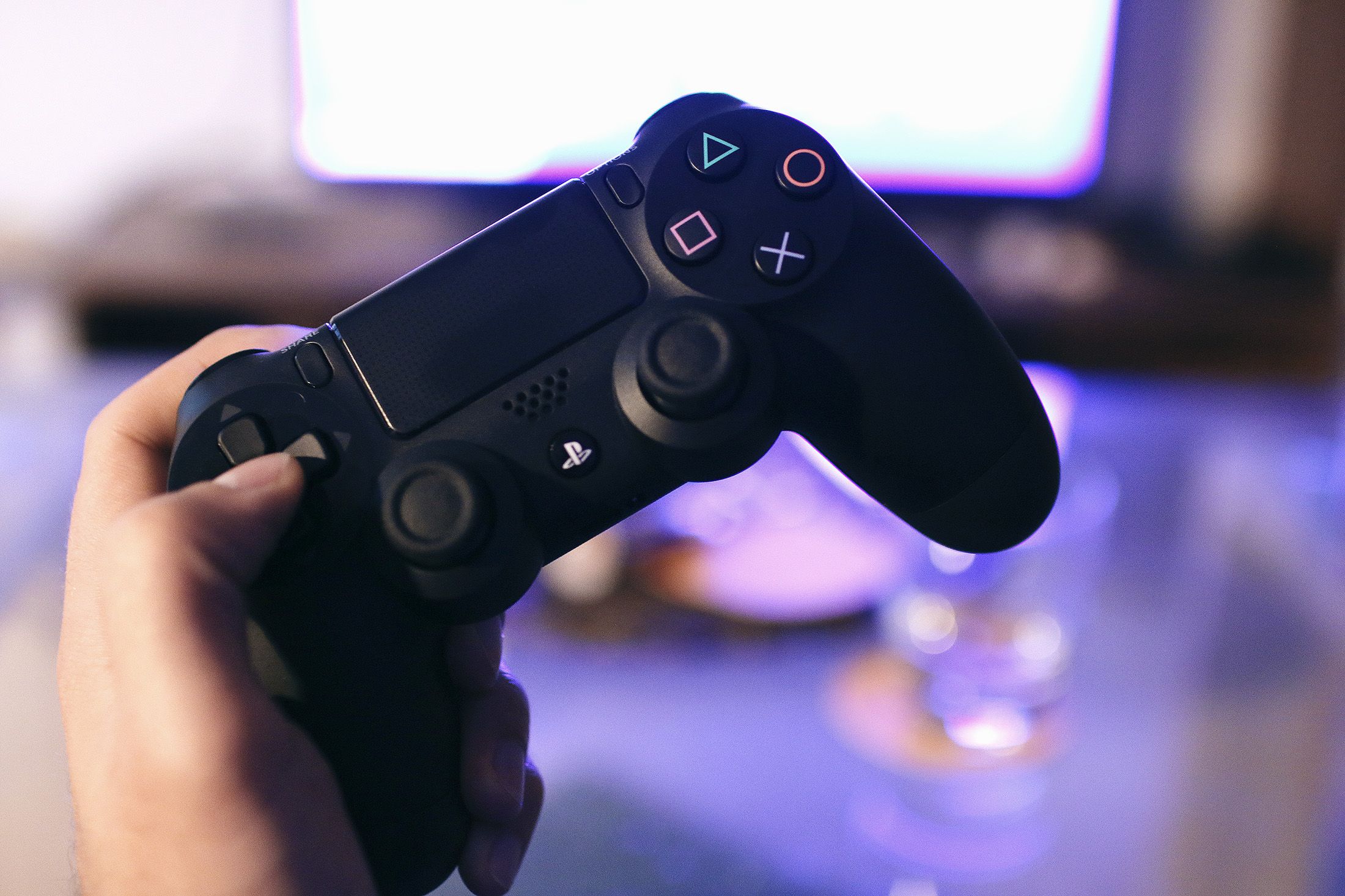
Buying Guides
Looking for the best controller for GTA 6 PS5? Discover the DualSense features, black controller options, PS4 compatibility and buying tips.
Read Guide→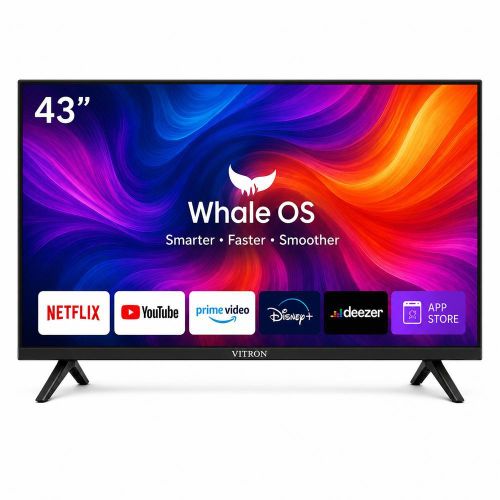
Accessories
Learn how you can Download apps on your whale OS TV. By the end of this guide you will learn how to download Youtube, Moviebox, spotify and other apps on your Whale OS TV.
Read Guide→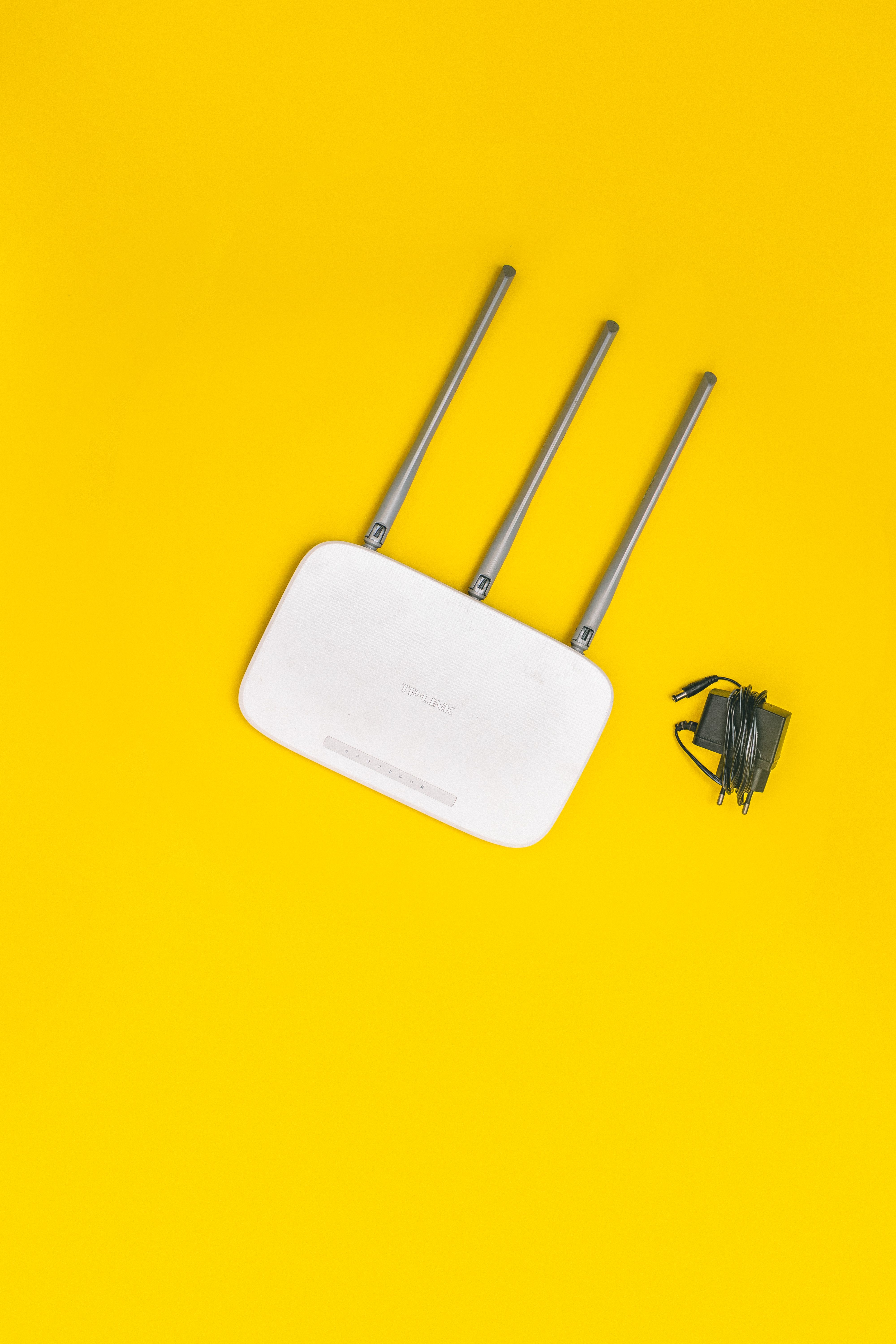
Smartphones
Discover why Wi-Fi slows down in certain rooms and how to fix weak signals with simple router adjustments, practical tests, and mesh Wi-Fi solutions.
Read Guide→
Wearables
In this Guide we will help You fix a smartwatch that is connected but not receiving notifications
Read Guide→
Accessories
Discover USB Bluetooth adapters under $15 and $20, compare TP-Link UB500 and ASUS USB-BT500, and find reliable buying options.
Read Guide→
Buying Guides
Thinking about buying the Nintendo Switch 2? Explore its biggest advantages, limitations, pricing, game compatibility and how it compares with the PlayStation 5 before making your buying decision.
Read Guide→
Laptops
In this guide, we will help you troubleshoot an undetected USB flash drive in Windows 10 and Windows 11, including connection problems, missing drive letters and common device-recognition errors.
Read Guide→
Laptops
Does your HP laptop power on but the screen stays black? Try these safe checks for display problems, startup failures, blinking lights, and BIOS issues.
Read Guide→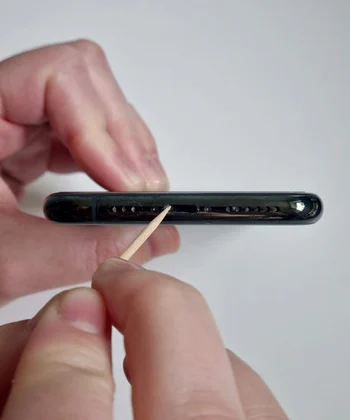
Smartphones
Is your phone charging slowly or only charging when the cable is held at a certain angle? This guide will show you how to safely clean the charging port and check whether dust, lint, or debris is causing the problem.
Read Guide→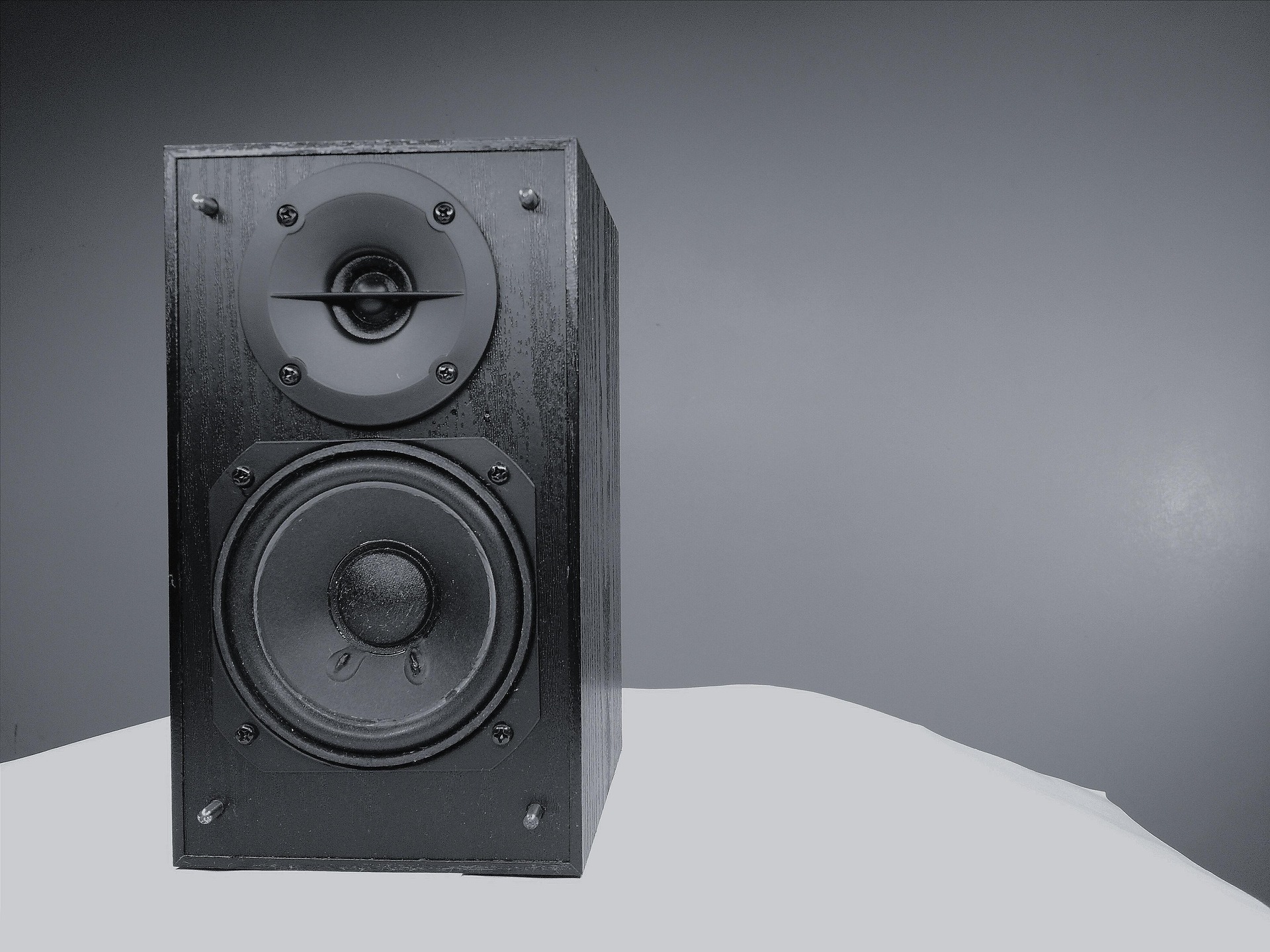
Audio
This is a guide to help you learn how to Easily diagnose and fix a humming or buzzing woofer/subwoofer/speaker by testing cables, power connections, audio devices, grounding issues, and possible hardware faults step by step.
Read Guide→Why Tecniview?
Manufacturers throw around specifications, features and technical terminology. Our guides turn that information into practical advice you can actually use.
Understand the technology without needing a technical degree.
Know which features are worth paying for and which aren't.
Useful information you can apply before making a purchase.